Cost tracking
See what every session costs in dollars as you work, broken down by model and helper agent, plus live allowance meters for subscription and credit plans.
Copy & share
On this page5 sections
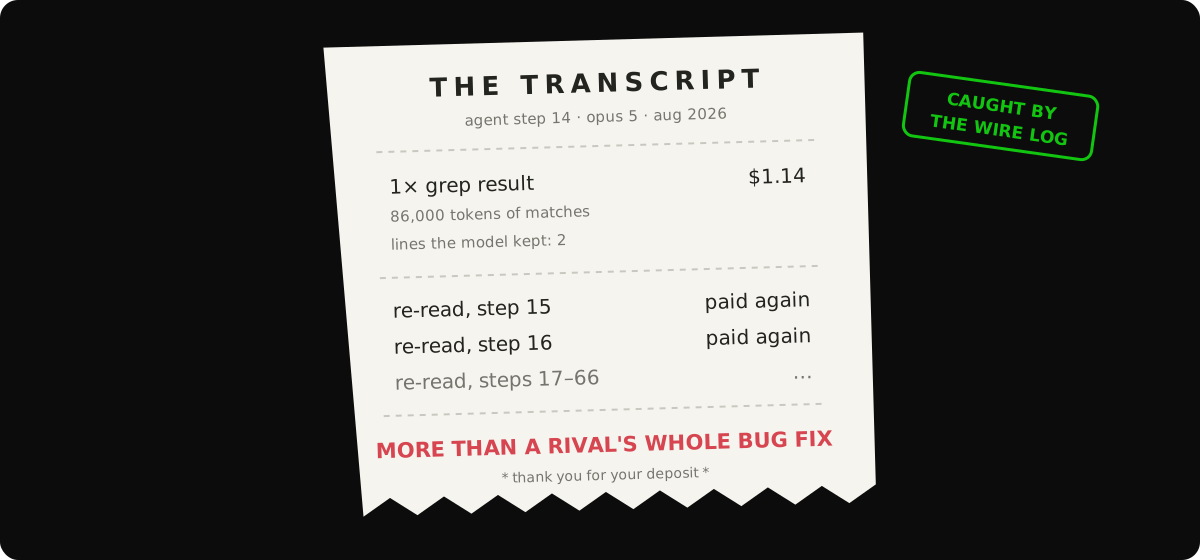
Empryo counts the tokens each model uses and converts them to dollars as you work. The running total sits in the status bar, so you always know what a task is costing.
Where to lookLink to this section
| Command | What it shows |
|---|---|
| Status bar | Running total for the session in USD |
/context | How full the context window is, cost per model, helper-agent spend and compaction history |
/usage | Spend today, this week and this month, per model, plus your prompt-cache hit rate |
The cache hit rate in /usage tells you whether prompt caching is working across sessions. A high rate means the repeated start of each prompt is being reused cheaply. A low rate means something keeps changing it.
What gets countedLink to this section
- Input tokens that were not cached.
- Output tokens the model wrote.
- Cache writes, which most providers bill at a higher rate.
- Cache reads, which providers bill at a discount.
- Helper agents, counted separately from the main agent.
- Each model separately, when the task router mixes models in one session.
How prices are foundLink to this section
Empryo ships price tables for the common providers, including Anthropic, OpenAI, Google, DeepSeek, Groq, Mistral and Fireworks. OpenRouter prices come live from its catalog. Local models (Ollama, LM Studio) and free models count as $0.00.
A model missing from those tables is priced from the public models.dev catalog. If that also has no price, Empryo uses a Claude Sonnet–level price, so an unknown model shows as expensive rather than free.
Spending lessLink to this section
The biggest lever is mixing models. Research and exploration often work well on a cheap model, while edits go to a stronger one. Set this up with /router; see assign cheap models to cheap tasks.
Subscription and credit plansLink to this section
Some routes don't bill per token. They use up an allowance instead, and what matters is how much is left:
proxy/*models use a rolling subscription window through the proxy add-on.copilot/*models use your monthly Copilot allowance.openrouter/*models use the credit balance on your key.- Subscriptions you signed in to with
/loginreport whatever limits the vendor exposes.
These meters appear next to the dollar figures, because one session can use both kinds of route.
Every meter shows a percentage. When the vendor reports real numbers, it also shows the unit, for example "412 of 1,500 premium requests" for Copilot or "$3.80 of $20.00" for OpenRouter. Some vendors, such as Claude subscriptions, only report a percentage.
If your plan allows going over the allowance, the meter shows how much you've gone over and, where the vendor publishes a rate, an estimated dollar amount. It is always labeled as an estimate, not a bill.
Some vendors have no way to query remaining quota. For those, you'll only see the dollar estimate.