Compound tools
Tools that finish a whole job in one call: rename a symbol everywhere, move code between files, run your tests, or refactor, with the result checked afterwards.
Copy & share
On this page2 sections
A compound tool does a complete task in one call. Instead of the agent searching, editing file by file and then checking its work, it asks for the result directly. You get fewer steps, fewer tokens and fewer half-finished edits.
The toolsLink to this section
| Tool | What it does |
|---|---|
rename_symbol | Renames a function, class or variable in every file that uses it, then checks nothing still points at the old name |
move_symbol | Moves a symbol to another file and updates every import |
rename_file | Renames or moves a file and updates every file that imports it |
refactor | Extracts a function or variable, organizes imports, or formats a file |
project | Detects your toolchain and runs lint, typecheck, tests or build |
navigate | Finds definitions, references, callers and type hierarchies |
read | Reads a whole file, a line range, or one symbol by name |
ast_edit | Makes precise structural edits to TypeScript and JavaScript files |
For copy-paste examples, see the rename & refactor recipe and the test & commit recipe.
Why they helpLink to this section
Without them, an agent often guesses at commands and burns steps recovering:
Agent: I'll run the tests with `npm test`
Shell: npm ERR! missing script: test
Agent: Let me try `npx jest`...
With project(action: "test"), one call detects how your project runs tests and runs that command.
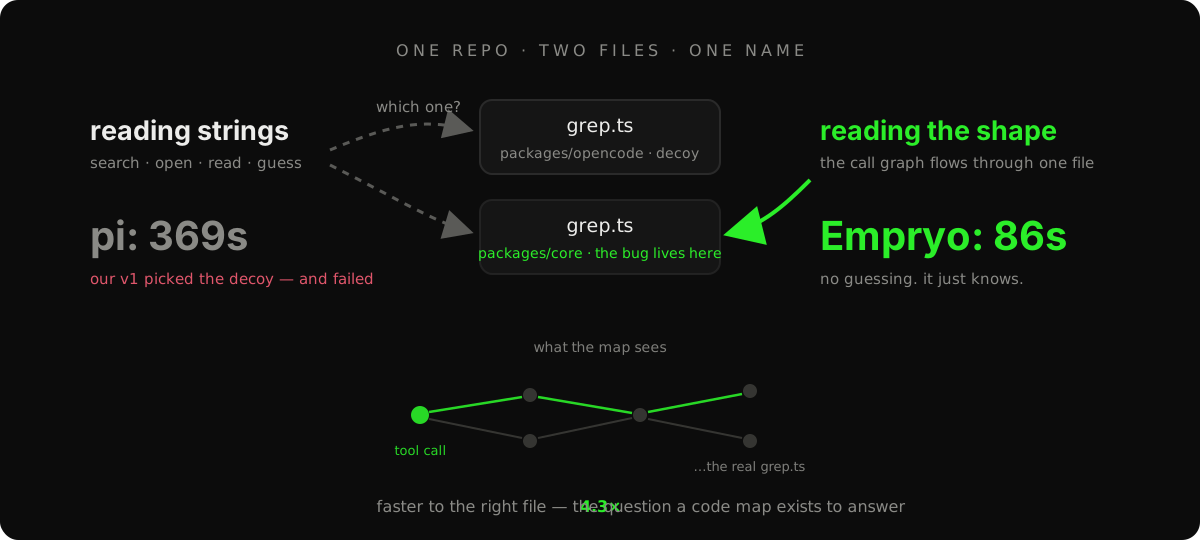
Renames work the same way. A text search for a name also matches unrelated code that happens to share it. rename_symbol uses your language server to find the real references, applies the rename, and confirms no references were left behind. The agent skips the search-edit-verify loop entirely.