BetaVersion 3.9.4-betareleased 8 October 2026
Download Empryo
A desktop app or a terminal app, for macOS, Linux and Windows.
Pick your system.
Walk me through setup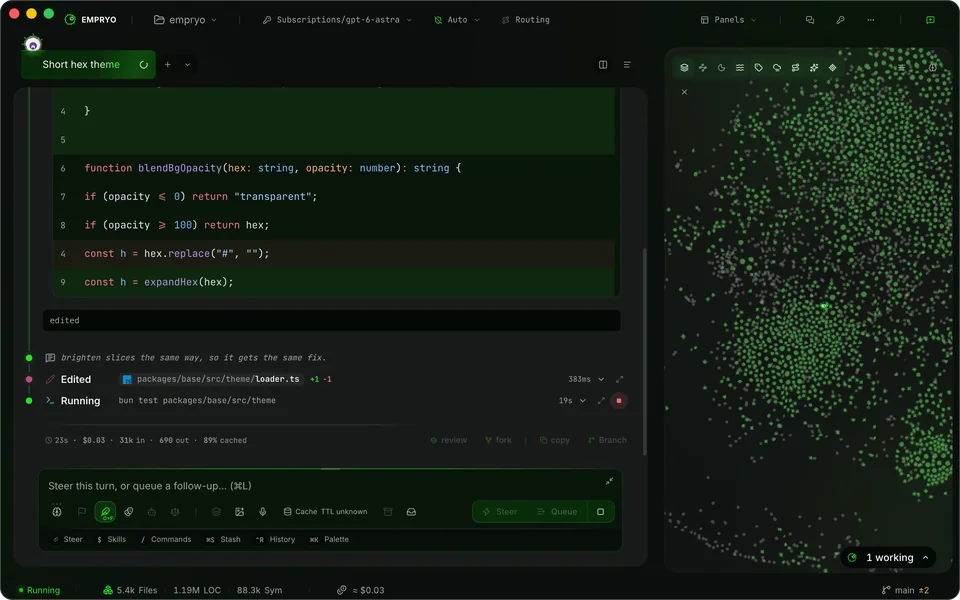
Desktop app
Chats in tabs, a built-in editor and terminals, and a map of your code.
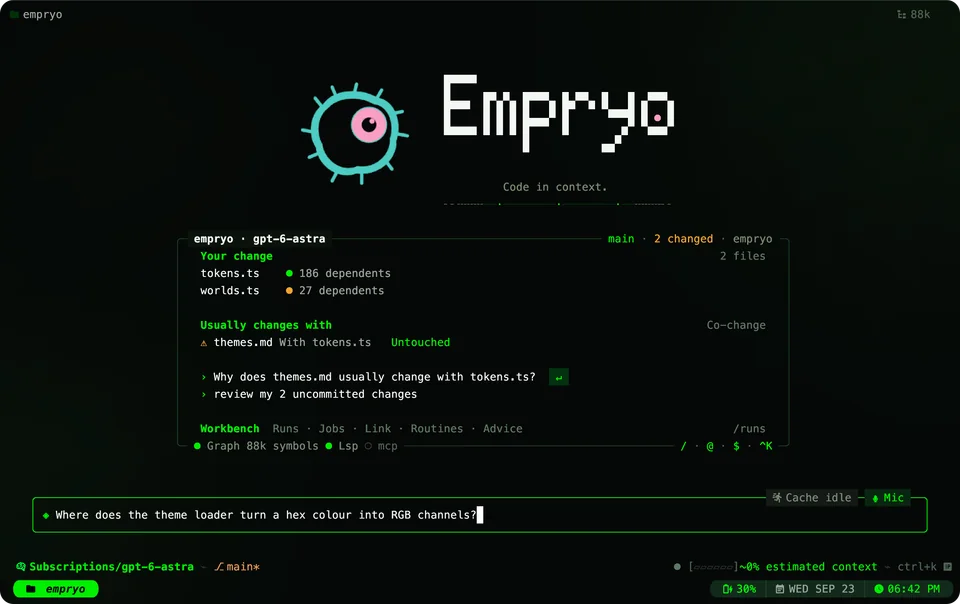
Terminal app
One command installs it. Paste into a terminal.
curl -fsSL empryo.com/install.sh | bashIt checks the download and installs to your user folder. Then open a new terminal and type empryo.
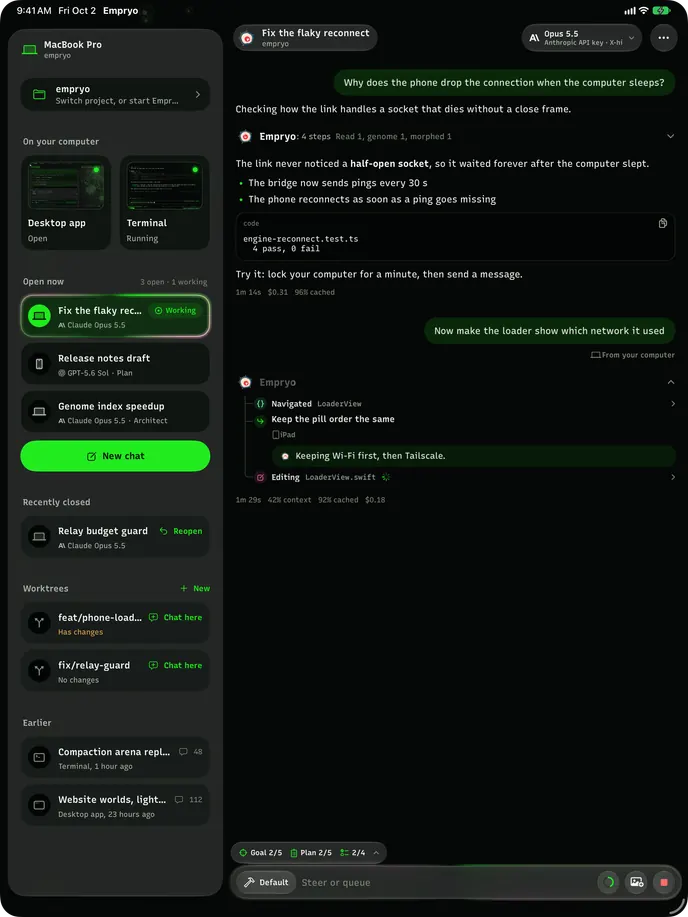
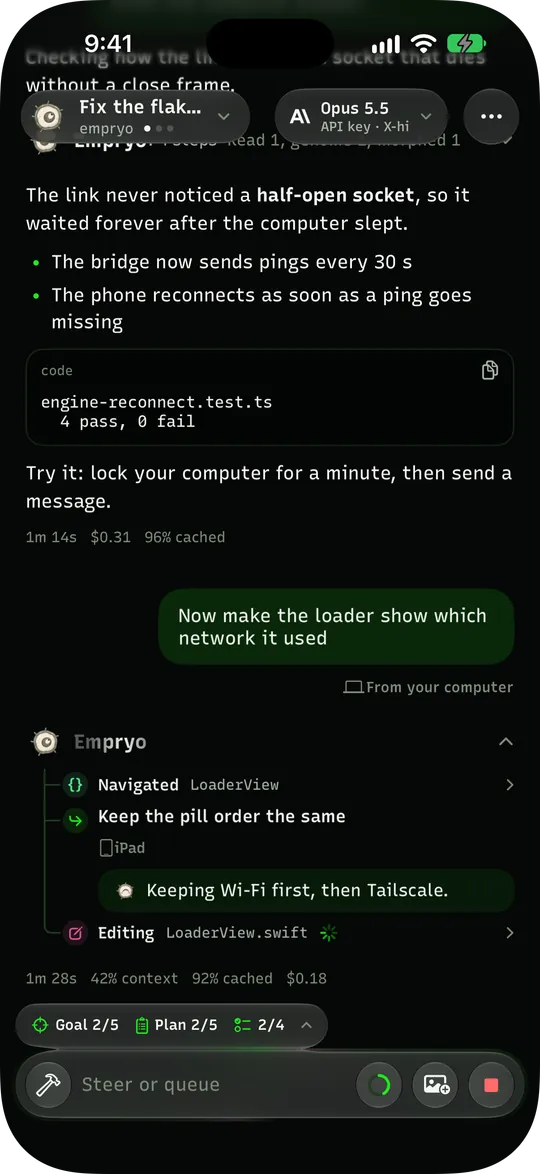
Phone appBeta
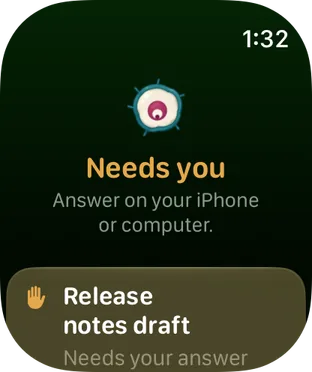
- iPhone, iPad and Apple Watch
- Android
Drive every chat on your computer over Wi-Fi, Tailscale or a quick link.
Pair it in one step: run /remote in the desktop or terminal app and scan the code. For iOS 26, watchOS 26 or Android 10 and later.
Or download a file
Files for macOS. Change the system above to see others.
Apple Silicon and Intel, macOS 13 or later
Apple Silicon
Intel
Everything in one window: agent chats in tabs, a built-in editor and terminals, and a map of your codebase.
Check a downloaded file
The install command checks for you. For a direct download, run this in Terminal with the name of your file.
shasum -a 256 ~/Downloads/the-file-you-downloadedThe code it prints should match the SHA-256 shown next to the file, or the SHA256SUMS file for 3.9.4-beta. More in the installation guide.
What your computer needs
macOS
- macOS 13 or later
- Apple Silicon or Intel
Linux
- x64 or ARM64
- glibc 2.31 or later, so not Alpine or other musl systems
Windows
- Windows 10 1809 or later, or Windows 11
- x64
And a model
- Your own API key from a provider
- Or a subscription you sign in to
- Or a local model, for example with Ollama