
I stopped building panels and let you morph the app
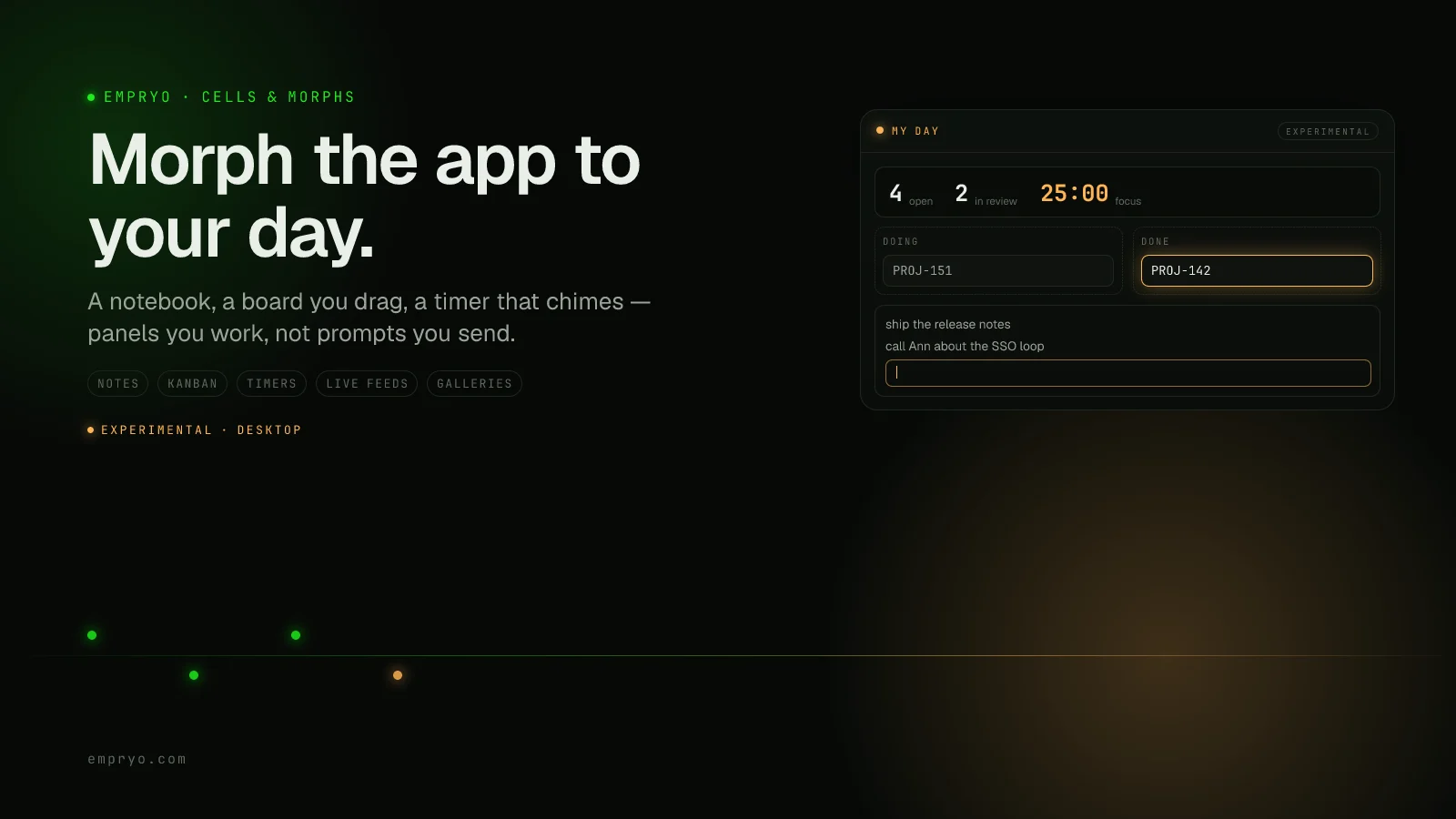
You want a notepad next to your agent. Or your ticket board. Or a focus timer, because the one you run in another window is where you lose your train of thought every time you alt-tab.
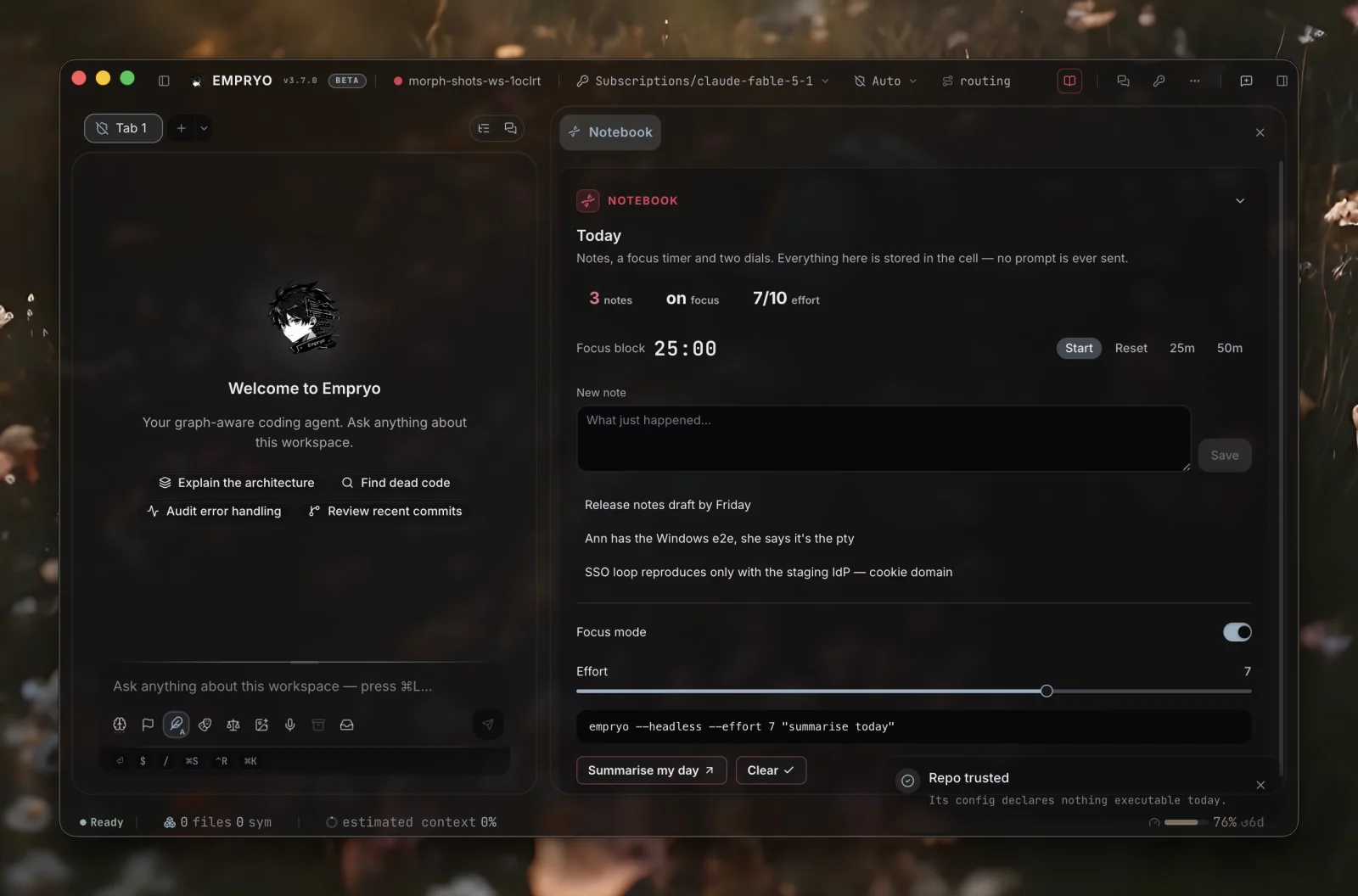
In Empryo's desktop app you can type "a notebook" into a fresh tab and a notebook appears a few seconds later. Type in it and your notes stay. No prompt goes to a model when you do.
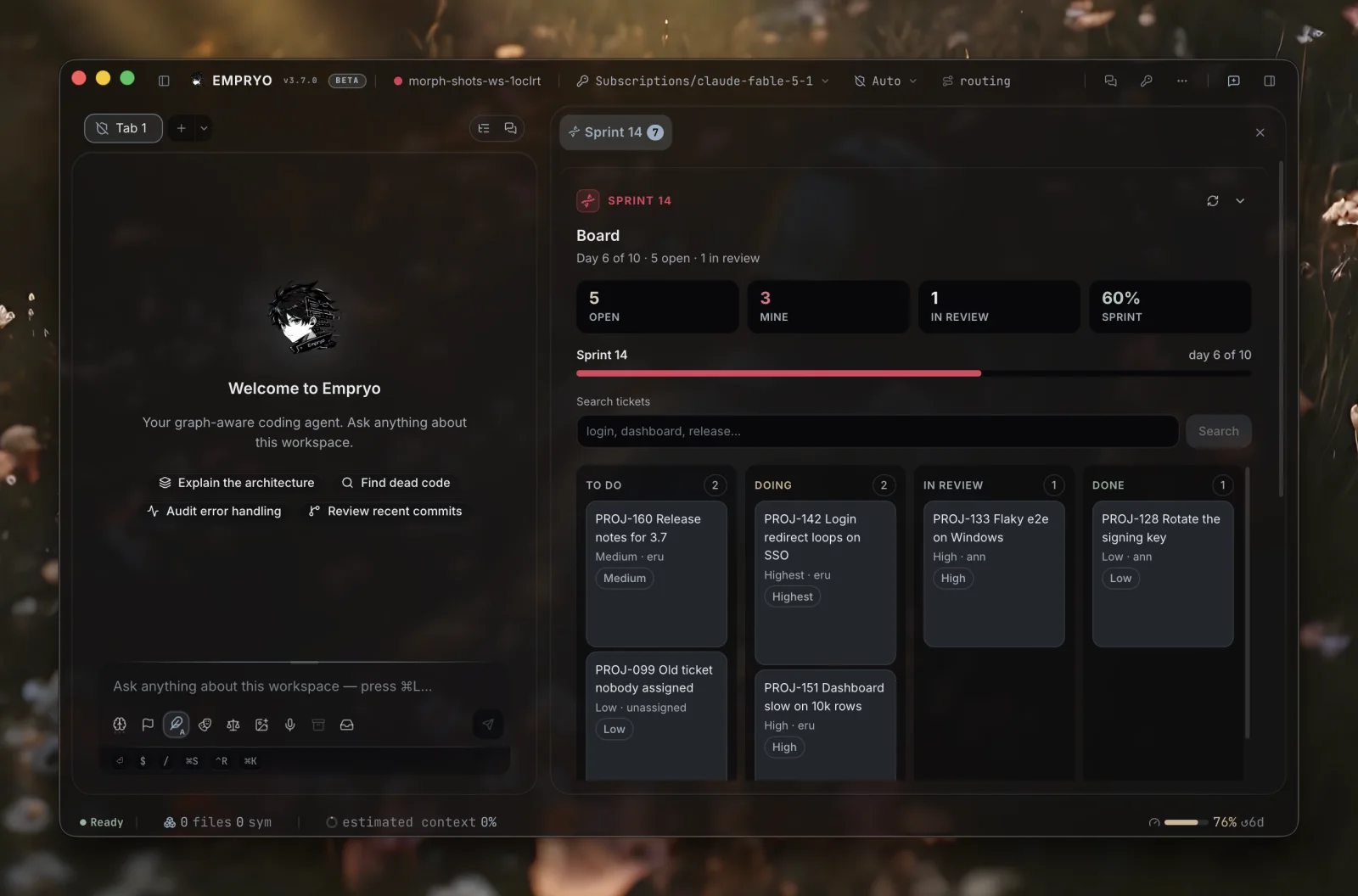
Type "my tracker as a board I can drag". A board appears with your tickets in columns. Drag one to Done. Your tracker's API moves the ticket too, and the board redraws from the tracker's reply.
Type "a pomodoro that chimes". It counts down, chimes at zero, and notifies you from the dock.
None of Empryo's code knows what a notebook, a tracker or a pomodoro is. This post explains how that works. The feature is labelled experimental in the app, and it's still growing.
The week I got the same request four timesLink to this section
A Jira board in the sidebar. Notes that stay inside the app. A timer. A release countdown.
Each request made sense. Each one was also a panel I'd build for one person and maintain for everyone, forever. After the fourth, I stopped building panels and built the thing that builds them.
The first version was a row of buttonsLink to this section
My first attempt put buttons on a panel, and each button wrote a prompt. It demoed well and was useless in practice. A "Show my tickets" button that types *show my tickets* into the chat is just a slower way to type. It also wakes an expensive model to do the job of one HTTP request.
The version that survived follows one rule: every control acts when you click it. Whoever writes the panel decides, per control, what the click does:
- Act right here. A text field stores what you type. A list lets you rename, delete, reorder and tick items. A toggle, slider or checkbox saves straight into the panel's state. A timer counts down. A search box stores your query, the feed's URL uses it (
{{state.q}}), and results appear without any model involved. Dropping a card in a new column sends that change to your tracker's API. - Ask the agent. A control can put a prompt in the chat box for you to send, or send it right away. Use this when you need reasoning, not a fetch.
- Show something. A control can bring the panel forward or open one of its dialogs.
Images work too. If a feed returns image URLs, the app fetches each one under the same rules as the feed and shows it in a gallery, as a thumbnail, or as a full block. So a panel can even be about music.
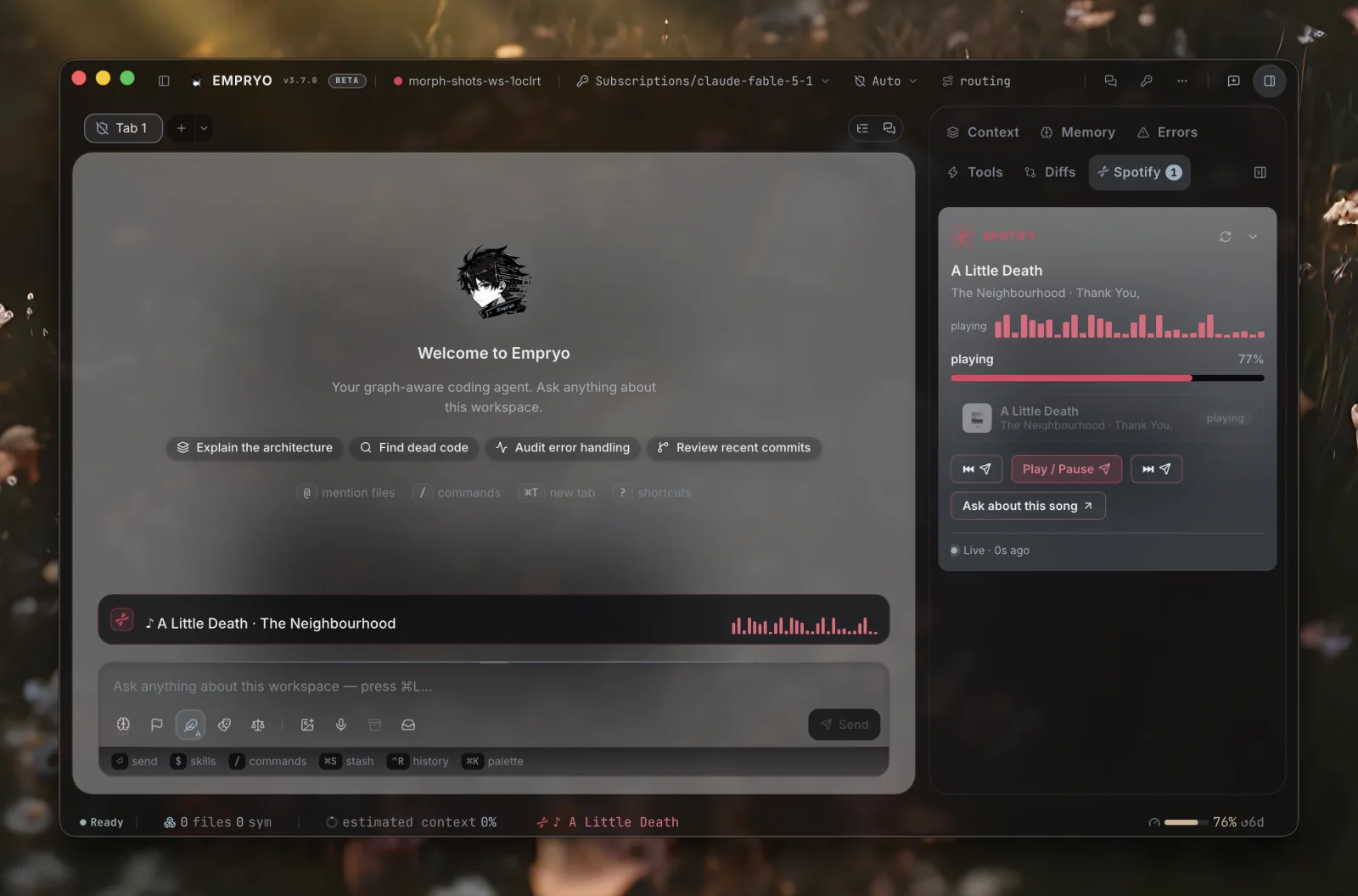
This is also why a Morph isn't just a fancy AGENTS.md. An instructions file tells a model how to behave. A Morph is part of the running app. It has a place in the window, state that both you and the agent can update, feeds the app refreshes on a schedule, keyboard shortcuts, slash commands, and rules the agent receives only when they apply. Think of it as a small app you describe, which Empryo runs for you. No code in it ever executes.
Described, never executedLink to this section
A Morph is one JSON file. The app reads it, checks it against a schema, and draws it with the same buttons, menus, tabs and dialogs as its built-in panels, in the same theme. There's no plugin system and no scripting. A Morph can't crash the window or read your keychain.
The schema is strict but forgiving. Unknown fields are ignored. If one block is invalid, only that block is dropped and the rest of the panel still appears. A file written for a newer version of the app shows its fallback text instead of disappearing. Save the file and the change appears within a second. Delete it and the panel is gone.
You build panels from around twenty block types: stats, progress bars, badges, key/value rows, grouped boards, form fields, notes, checkboxes, toggles, sliders, timers, code, galleries, kanban boards, dropdowns, tables, tabs, lists, charts, Markdown, images, links, countdowns, and a sandboxed frame that can host an MCP App view. The blocks are plain on purpose. What you build with them doesn't have to be.
The part I had to get right: CellsLink to this section
The panel is the half you see. The other half is the Cell: what the file tells the agent. That's where a JSON file in a repo becomes a security question.
A Cell can give the agent rules. Some always apply. Others apply only when your request touches matching files, runs in a certain mode, happens on a certain branch, or comes from a ticket. Cursor and Copilot use a similar file-matching approach, so I followed it. A Cell can also offer read-only HTTP lookups the agent may call, and add guards on tools, such as *no recursive deletes in this repo* or *ask before touching migrations/*. And it can hold state the agent updates through a cells tool.
You approve all of that in the app before any of it reaches a model. The approval is tied to exactly what you reviewed: the rules, the lookups, the guards, the names of any secrets the Cell uses, and the hosts it sends them to. If any of those change, the app holds the Cell back until you approve again. The panel keeps working in the meantime. That protects you from a git pull that turns a harmless board into something that sends your token somewhere new.
A few more limits apply. Feeds and lookups only use https (or your own machine), refuse redirects to private network addresses, and only run in a repo you've marked as trusted. Text that comes back from an API is treated as data. A ticket title can never turn into an instruction for the agent.
While writing this post I found a gap in my own first version. A Cell could put any environment variable in a request header and send it to any host. Secrets are now part of what you approve. A Cell that adds a secret or a new host is treated as a new Cell until you approve it again.
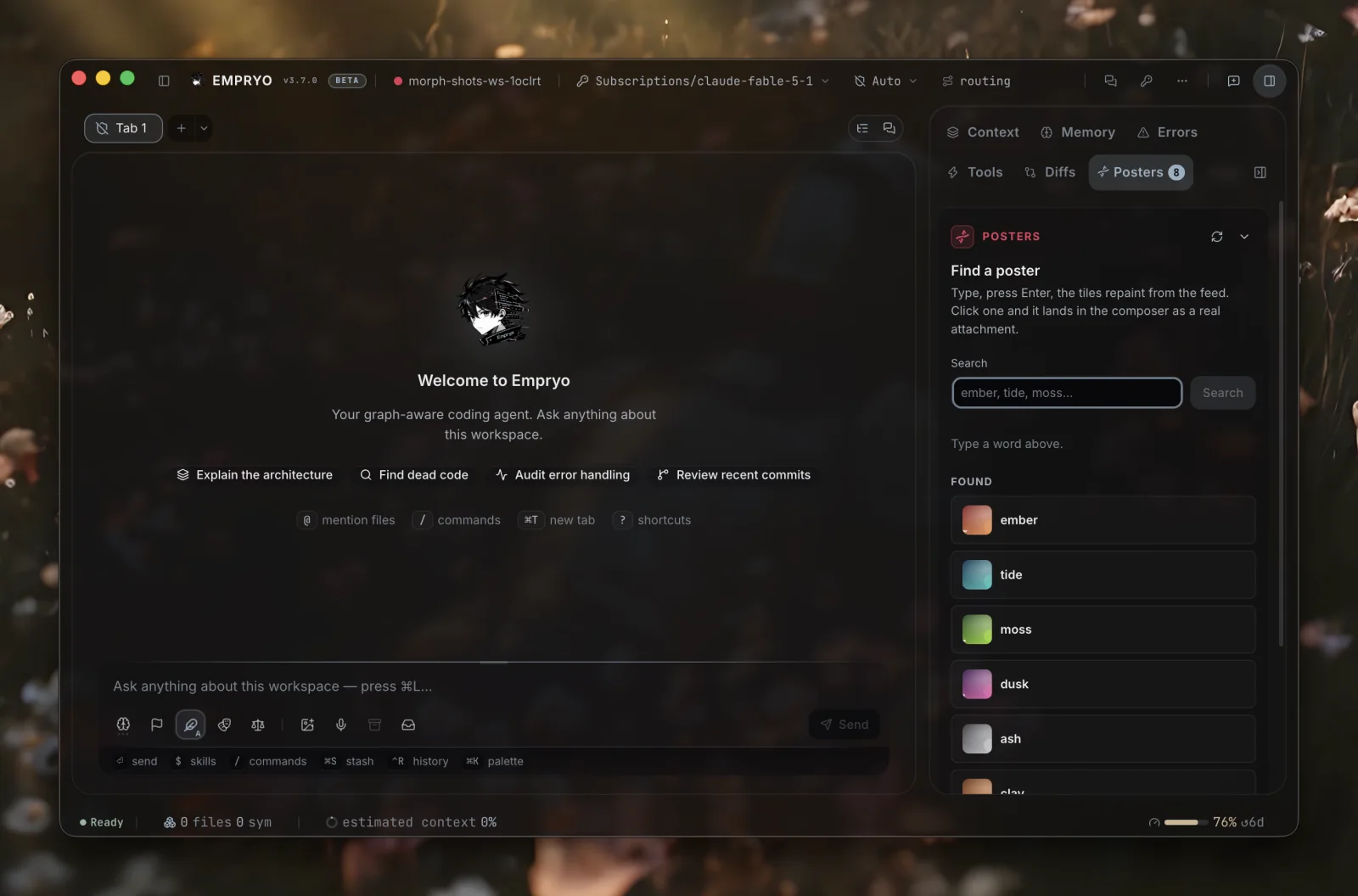
Where Morphs live, and whose settings winLink to this section
A Morph can live in three places:
.empryo/morphs/is yours, in this repo..cells/is committed, so everyone who clones the repo gets it.~/.empryo/morphs/is yours, in every repo.
If two share an id, the most specific location wins.
Shared Morphs only became practical once I separated the file from your settings. The file is the definition. Your settings sit on top of it. Your on/off switch, your values and the live state of a shared or global Morph are stored per project. They never change the committed file and never leak into your other repos. A global Jira Morph can use a different project key in each repo, be off in one repo and on in the rest, and track its sprint separately in each. If you use VS Code, the rule will feel familiar: workspace settings override user settings, which override the file. I only noticed the need when the agent's state changes started showing up in committed team files.
Building oneLink to this section
You don't write the JSON by hand. Switch a fresh tab to Morph mode and describe the panel you want. The agent in that mode has one job and a small set of tools. It reads the list of blocks, looks at your repo if the panel is about your repo, writes the file, and the panel appears next to the conversation while you talk. Before you approve anything, it shows you what the Cell can reach.
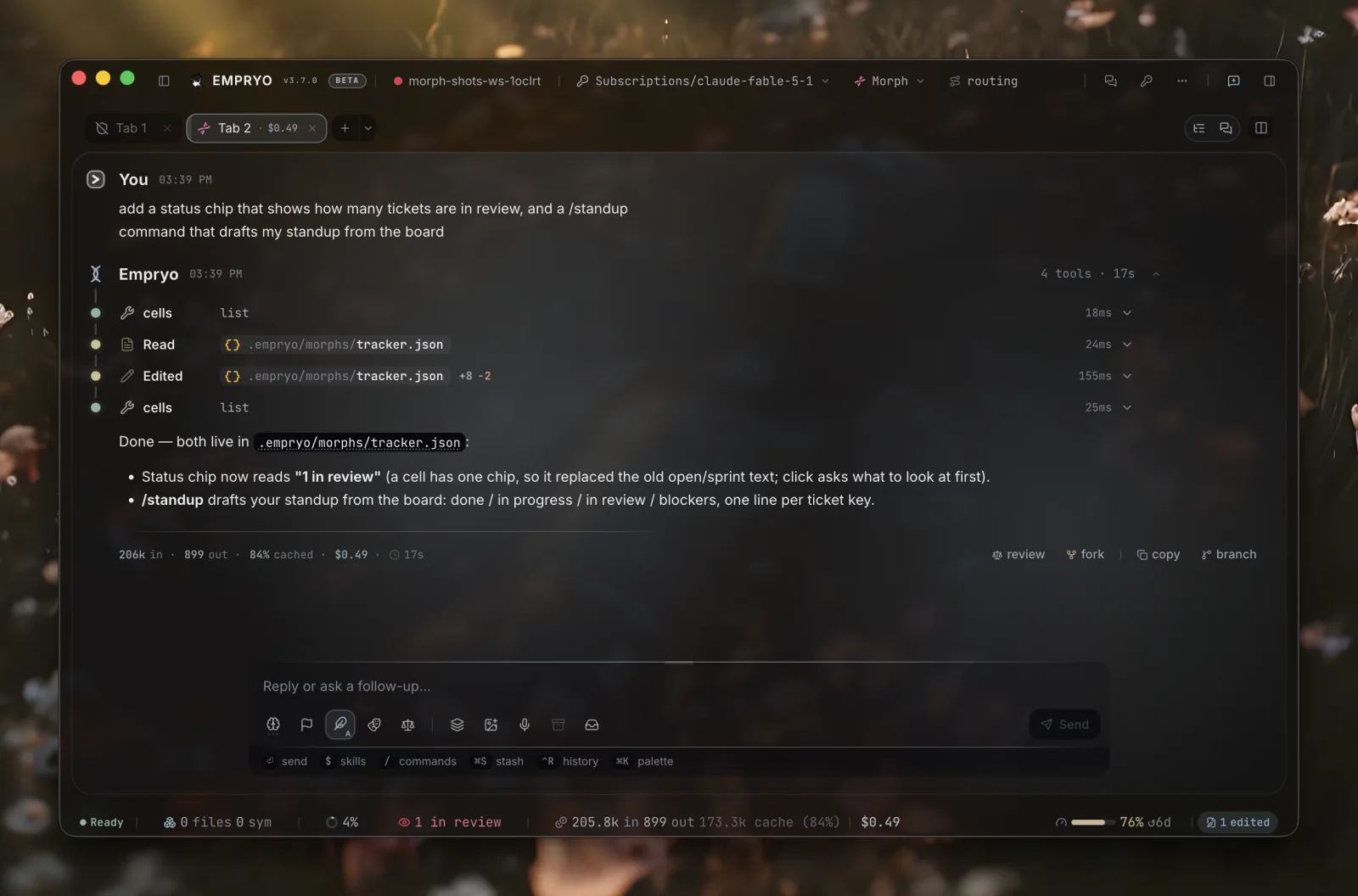
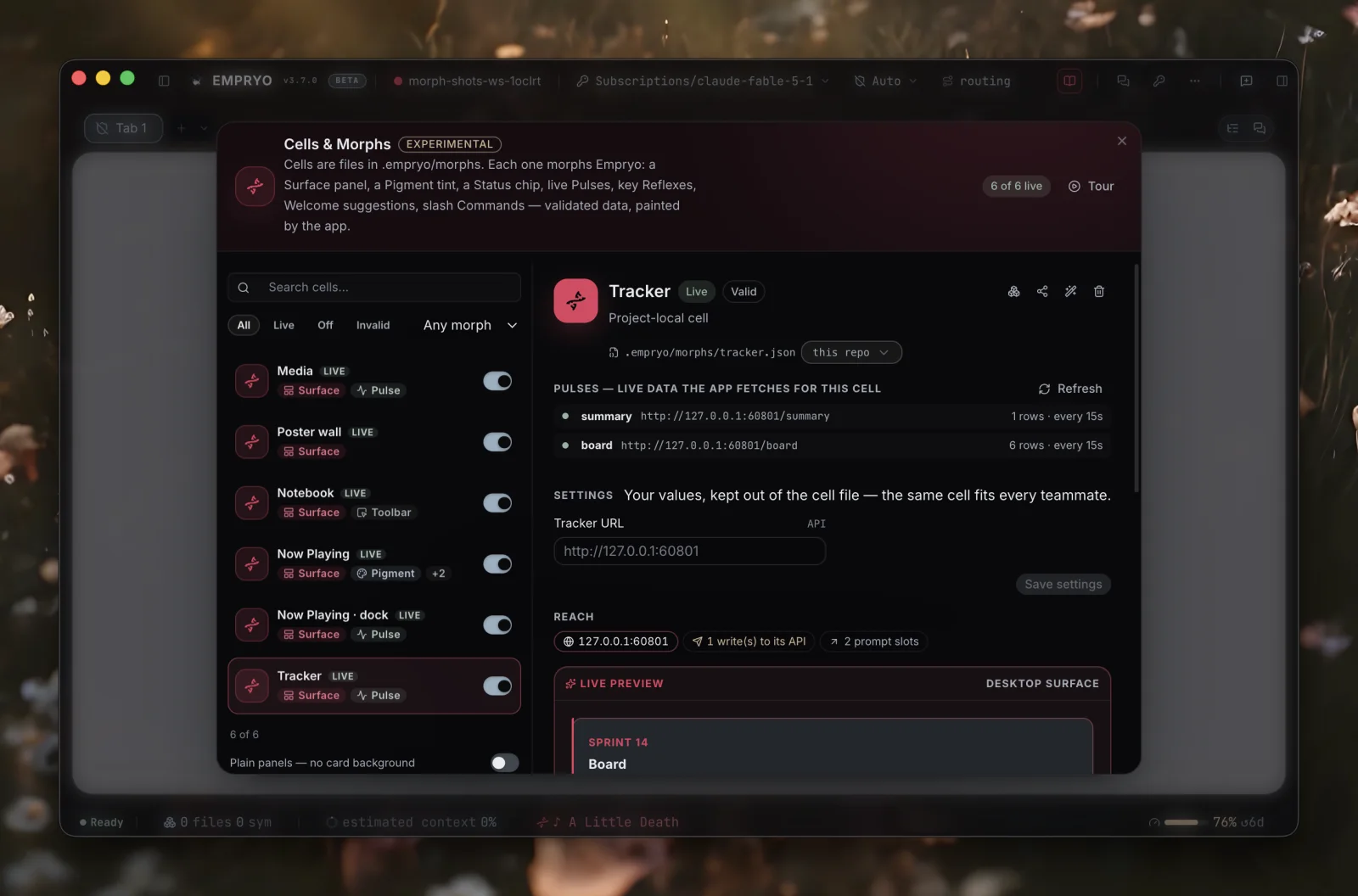
Open the library with /morphs in the desktop app. In the terminal app, /cells lists the Cells in your project so you can approve, revoke, or switch them on and off.
Morphs travel as files. Export one, send it to a teammate, drop it in .cells/, or install one from the public directory with a click. A Morph can carry an Ed25519 signature, and the app tells you when a signed one is official.
Morphs and Cells are experimental, and new blocks arrive with most releases. Build one and share it on Discord or GitHub.