
What is an AI agent harness? Follow one code change
You ask an AI coding agent to rename UserService to AccountService. The model can suggest the new name in one reply. Finishing the job takes more work. The agent has to find the declaration, tell it apart from unrelated code with the same name, update every reference, run your checks, and tell you what changed.
An AI agent harness is the software around the model that runs that process. It gives the model context, offers it tools, runs the actions it's allowed to take, records the results, and decides when to call the model again. In a coding agent, the harness also connects that loop to your repository and your development environment.
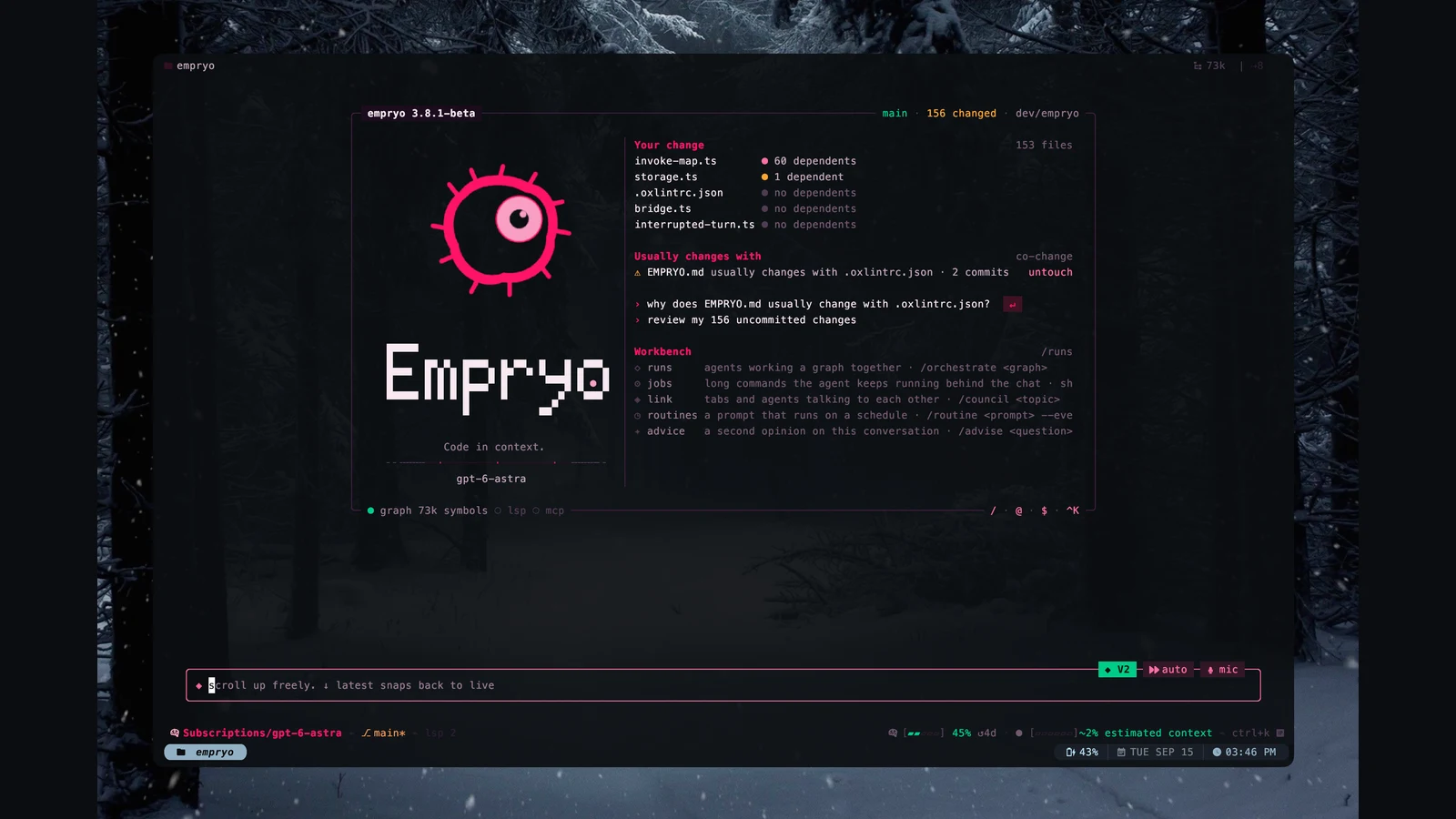
I build Empryo, a coding agent. This post follows one rename to show what to check when any coding agent changes your code. The example project is made up, and the ideas apply to every tool.
Follow the renameLink to this section
Consider this small repository. This is an illustrative example, not a benchmark result.
src/accounts/user-service.ts     exports UserService
src/accounts/routes.ts          imports UserService
src/tests/user-service.test.ts   tests UserService
src/legacy/user-service.ts       exports another UserService
A search for UserService finds both declarations. The requested change concerns the accounts service. Replacing the string across the repository would also change the legacy service.
The harness decides which tools the model has for sorting that out. A text search returns matching lines. Code-navigation tools can tell a declaration apart from its references. Either way, the agent still has to work out which service you mean before it changes anything.
Those tools answer different questions. A good agent combines them, and reads the source itself when a tool leaves doubt.
Context: put the relevant code within reachLink to this section
Before the model picks an action, the harness puts together its input. That can include your request, instructions stored in the repository, earlier tool results, and a map of the code.
Give the agent the scope it needs: which service to change, which behavior to preserve, and which checks the project uses. Before accepting the result, compare the files it changed with that scope.
Search and navigation have limits. Dynamic imports, runtime configuration, and generated code can hide relationships. Inspect those cases when the application uses them.
Context also has a cost. A large search result may stay in the conversation and contribute input tokens on later calls. When comparing tools, record total usage as well as the final answer. A short final reply does not tell you how much work preceded it.
Tools: make the edit the repository needsLink to this section
For the rename, the agent needs to identify the accounts declaration and its references. Check that the resulting edits follow that symbol and leave the unrelated legacy service alone.
Code relationships matter here: two declarations can share a name and belong to different parts of the program. A tool that follows the symbol you mean gives the agent a more precise starting point than a list of matching strings. The agent still has to handle references that the language tooling can't resolve.
In Empryo, you can make that change from the desktop app or the terminal. State the scope you want, then read the diff and run your checks. Language support varies between tools, and a command called rename doesn't guarantee a complete refactor.
After the edit, search for remaining occurrences. Some strings may need a human decision. A public JSON field, migration file, or documentation example can share the old name without referring to the code symbol.
Permissions: decide which actions may runLink to this section
A tool call can change files, run a shell command, or contact an outside service. The harness has to check whether that action is allowed before it runs.
For this rename, look at the planned scope. Editing the accounts files fits the task. Pushing a release or changing production settings needs separate permission. Having the tool available shouldn't be enough.
When you compare agents, check where they enforce limits. A prompt asking the model not to run a command is a weaker boundary than a harness that refuses to run it. Read the product's permissions docs and test the behavior in a throwaway repository.
Verification: ask the compiler and testsLink to this section
The model's final message can't prove that the rename worked. Run the type checker and the tests that cover the accounts service. Read the diff for unrelated edits.
For a TypeScript repository with these scripts, that might look like this:
npm run typecheck
npm test -- user-service
git diff --check
git diff
Use your project's real commands. A passing test only proves what that test checks. A rename can compile and still break code that looks things up by name as a string, so check those places if your application has them.
Session state: leave enough evidence to continueLink to this section
Long tasks can outgrow one context window, the amount of text a model can read at once. The next model call needs to know which files changed, which checks ran, and what's still unresolved.
Anthropic describes a long-running harness that uses a setup step and progress files to carry work from one session to the next. Its engineering write-up is worth reading because it covers failures as well as the design. Summarizing the conversation to save space (compaction) wasn't enough on its own to make the agent reliably finish a complex application.
Empryo lets you return to saved sessions. Picking up the conversation helps, but the repository may have changed while you were away. Before you continue a refactor, have the agent look at the current diff and rerun the relevant checks. A saved result describes the code as it was then.
For a refactor, a useful handoff note records the target symbol, the files changed, the exact check results, and any callers left to fix. Keep it with the work so the next session can check it against the repository.
Choose a harness with your own taskLink to this section
Give each candidate the same small, well-defined change, starting from a clean checkout. Record the model, version, settings, time limit, and allowed tools. If you want to test whether the agent can solve the problem from the symptoms alone, don't show it your acceptance checks until you grade the result.
Compare these outcomes:
| Question | Evidence to keep |
|---|---|
| Did it change the right symbol? | Final diff and remaining references |
| Did the application still work? | Type-check and regression-test output |
| Did it stay within scope? | Tool log and unrelated file changes |
| Could you continue after interruption? | Saved session and handoff notes |
| What did it cost? | Usage from all model calls, retries, and subagents |
For a shortlist of coding tools, start with the alternatives guide. For a cost-focused trial, use this evaluation worksheet.
To try the rename in Empryo, follow the quickstart and ask for one change in a repository you can restore.